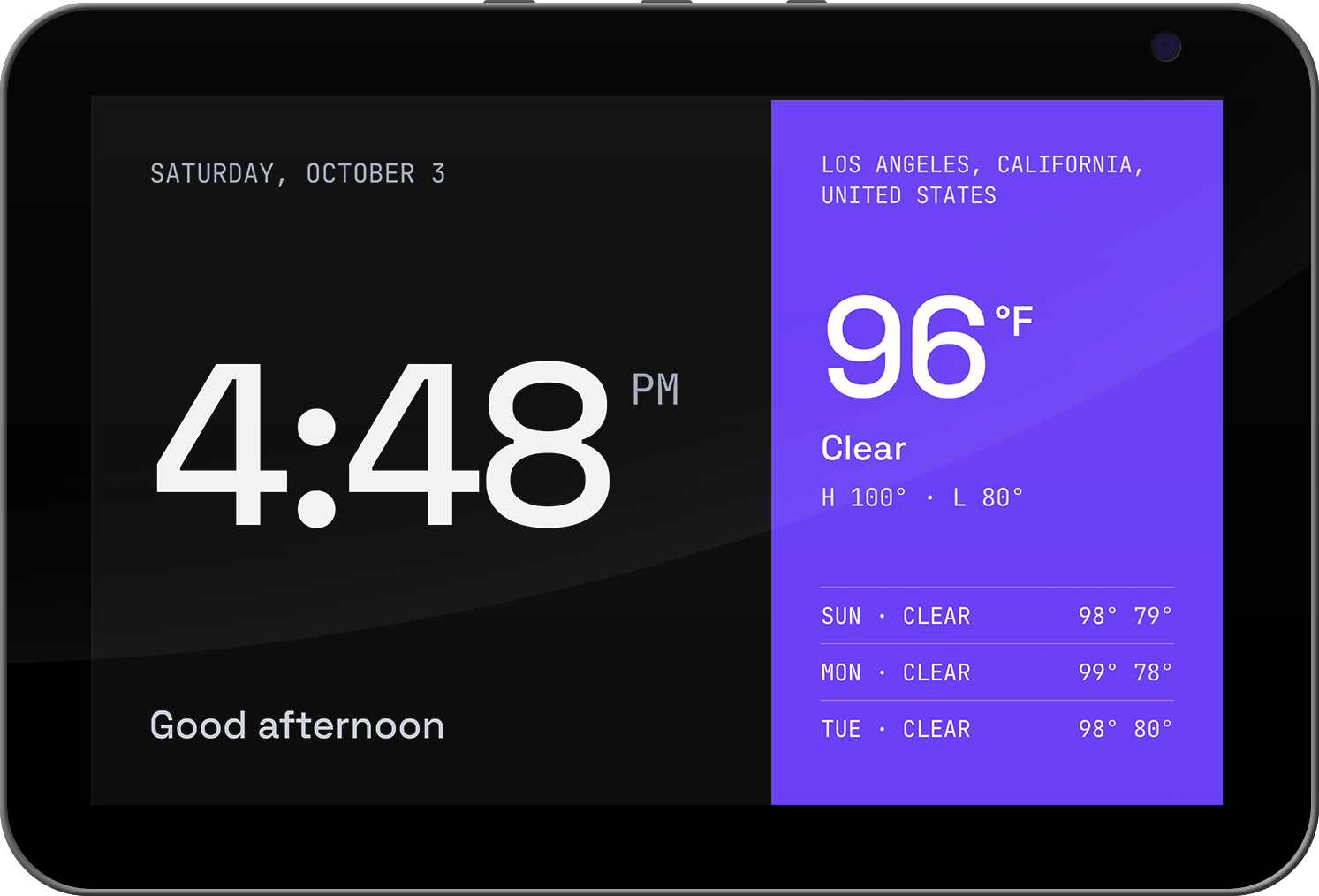
Features
Built for one household, done properly.
-
01
Pair by code
The display shows a pairing code. Claim it, name it and assign a screen from the dashboard.
-
02
Screens are just HTML
Write HTML, CSS and JS in the editor with a live 1280×800 preview. Live time and weather fill in through
data-bind. -
03
AI screen generation
Describe a screen and generate it with any OpenAI-compatible API. Optional, and always reviewed before saving.
-
04
Playlists
Rotate a display through several screens on a timer, and push reloads or navigation instantly.
-
05
Kiosk you can leave
Launcher mode by default, an optional strict lock mode, and an exit menu on the device. Never a factory reset.
-
06
Yours, on your LAN
One Docker container for amd64 or arm64, SQLite on a volume, no cloud account, no inbound exposure.
Quick start
Running in a few minutes.
-
Run the server
Grab the compose file, set
ADMIN_PASSWORDin.env, and start it.curl -fsSLO https://raw.githubusercontent.com/notglossy/show-runner/main/docker-compose.yml curl -fsSL https://raw.githubusercontent.com/notglossy/show-runner/main/.env.example -o .env docker compose up -d -
Prepare the display
Enable adb once and install the app from the latest release. The device setup guide covers every step.
-
Claim it and make screens
Enter the pairing code in the dashboard. The display starts on the Default screen; edit it or write your own.